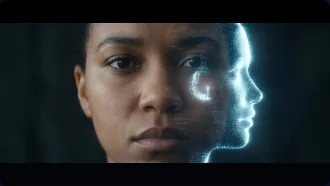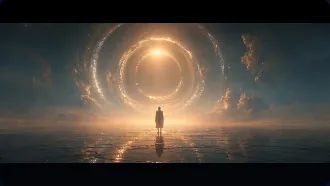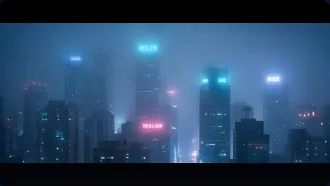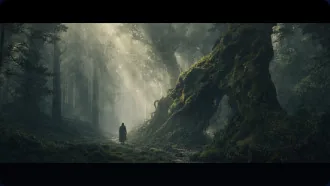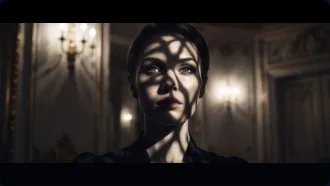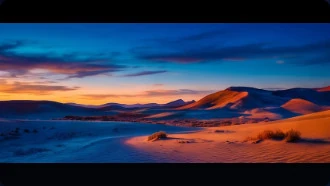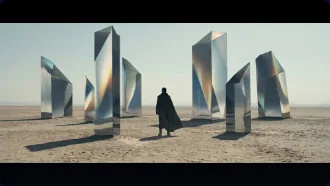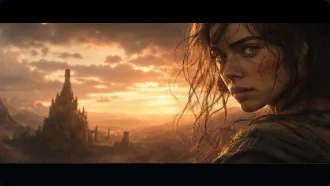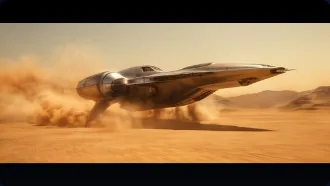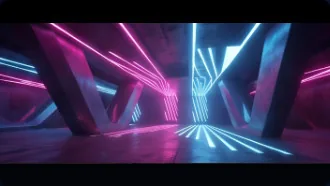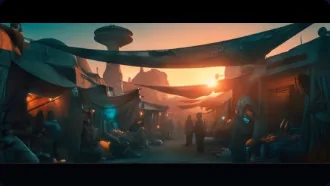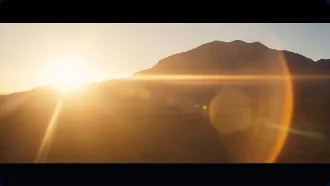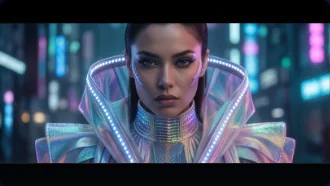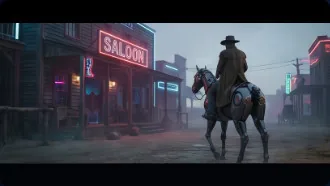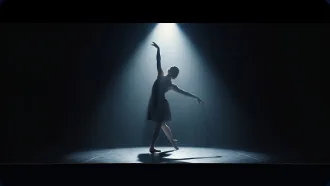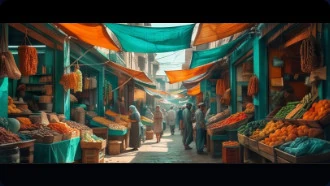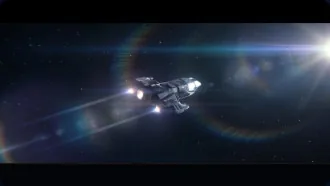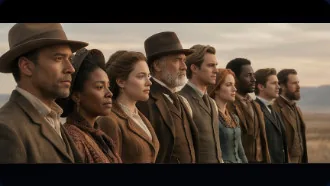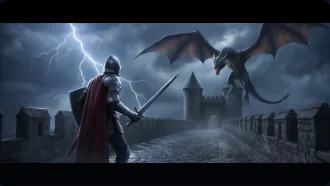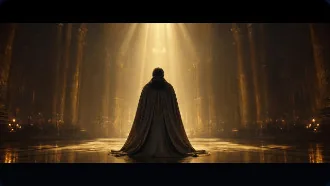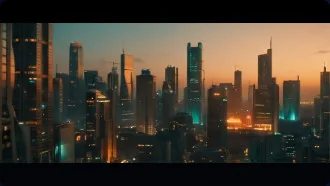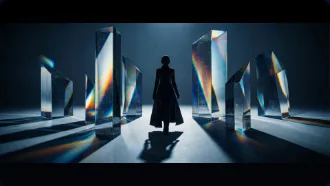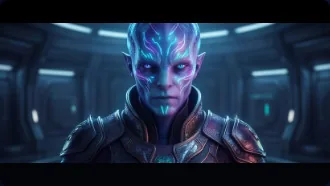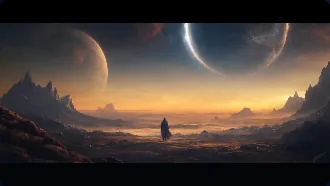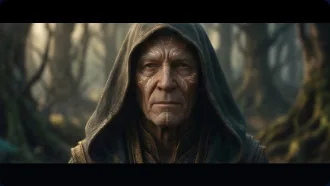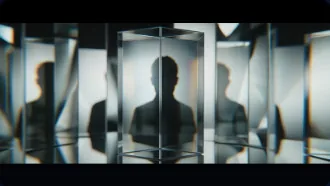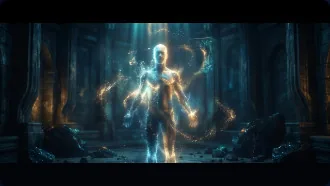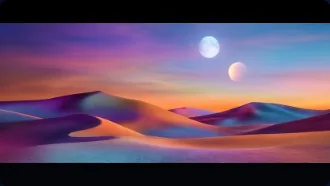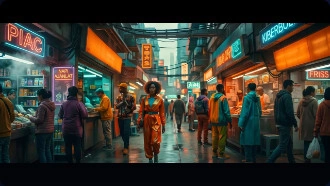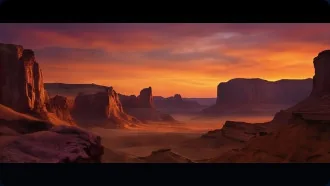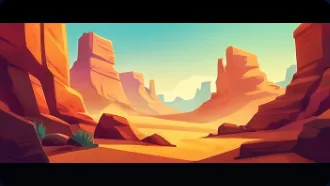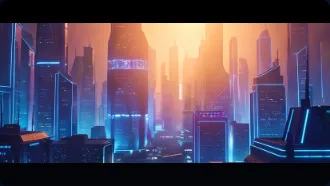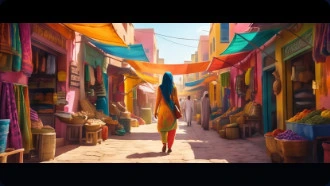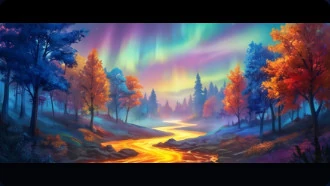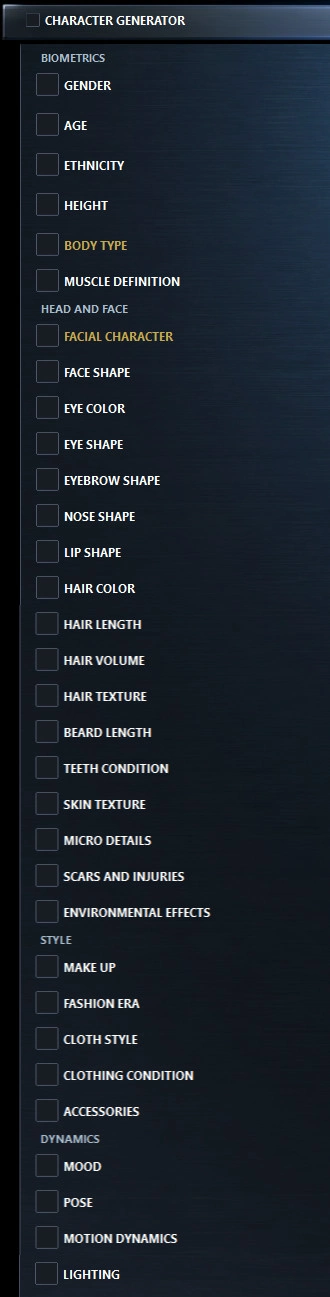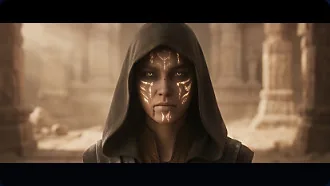
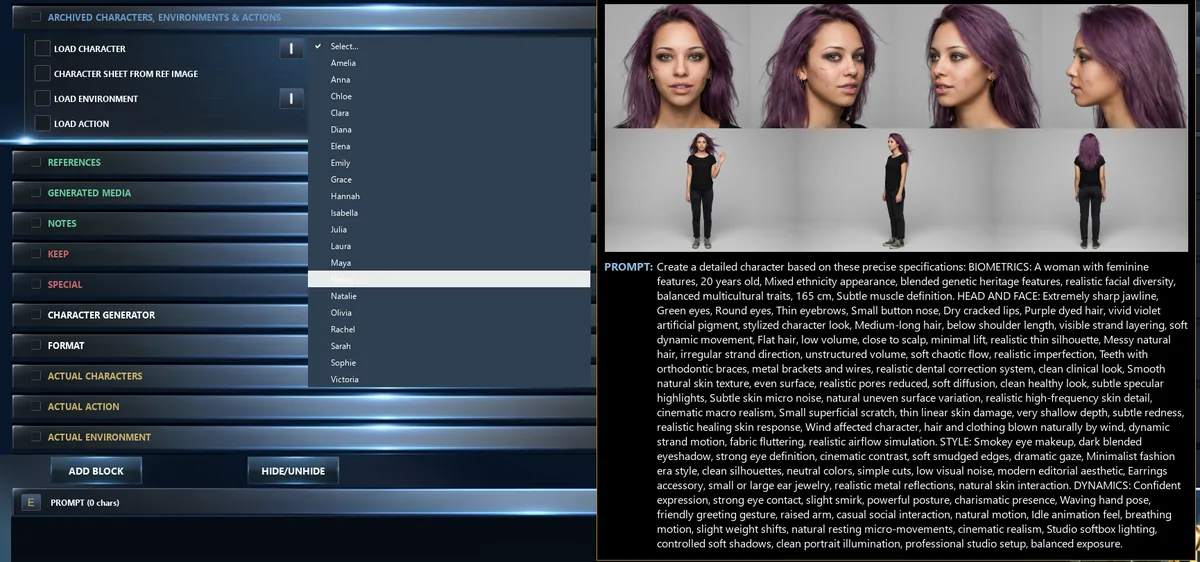
Build anatomical templates and generate consistent characters across every shot.
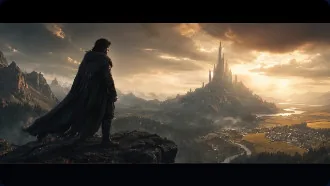
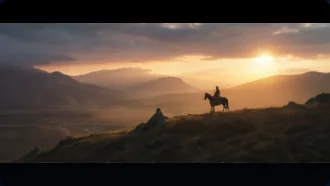
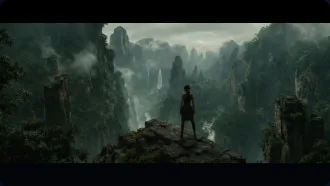
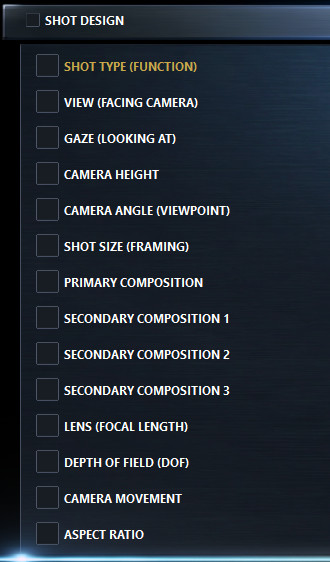
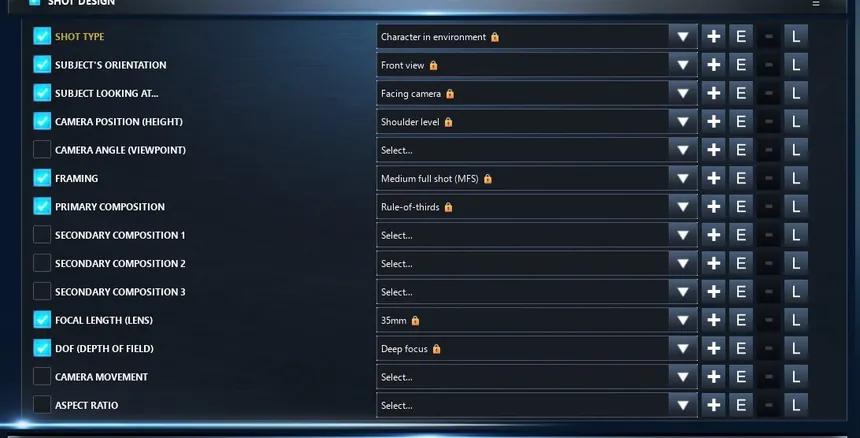
Define shot type, framing, angle, composition, and depth in a single panel.
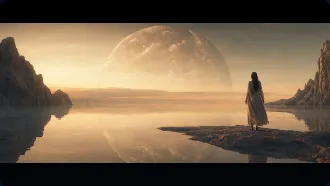
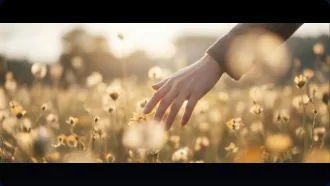
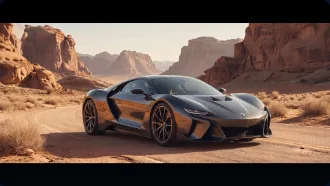
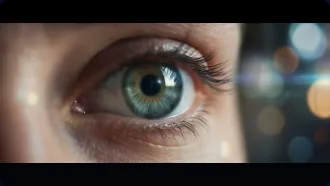
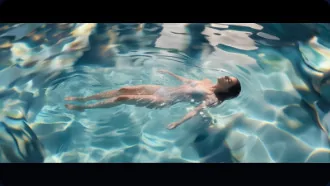
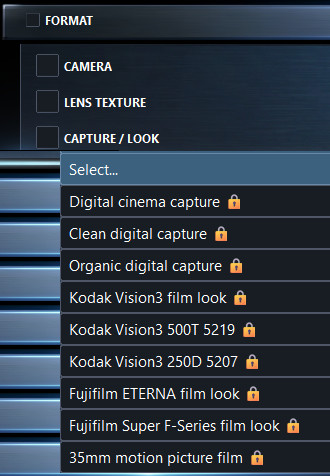
Pick your camera body, lens texture, and capture medium. Every optical choice, intentional.
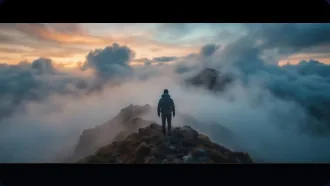
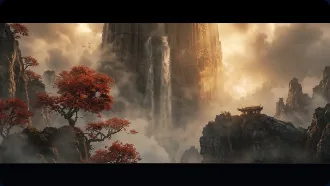
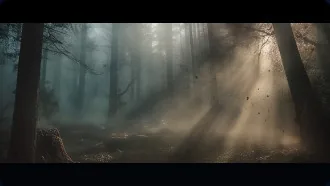
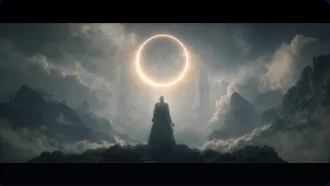
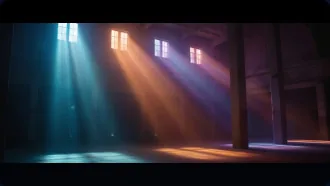
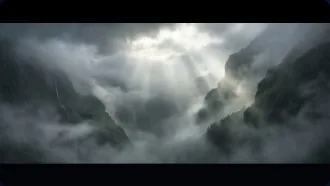
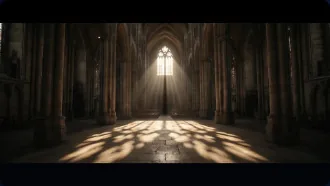
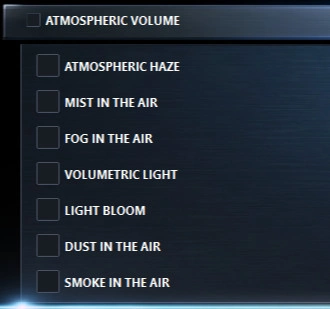
Layer haze, fog, volumetric light, bloom, and dust to shape the air itself.
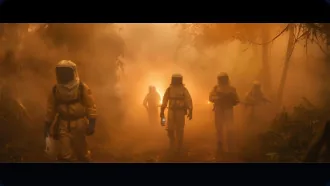
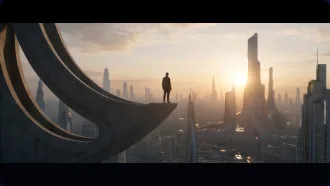
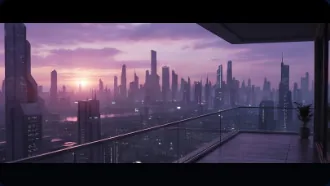
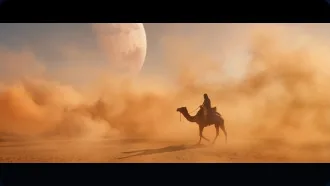
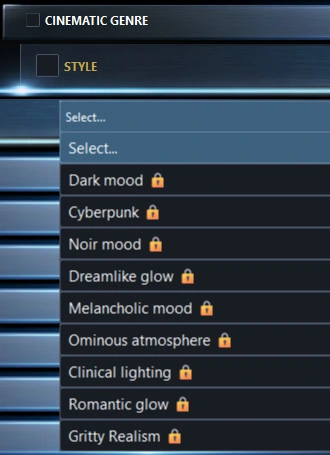
Apply genre-based presets — Cyberpunk, Noir, Sci-Fi — that configure the look instantly.
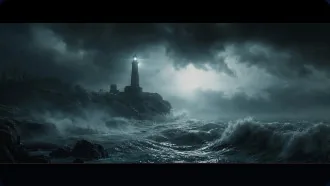
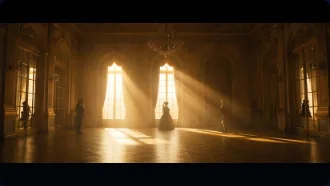
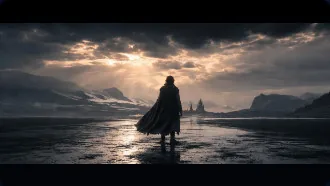
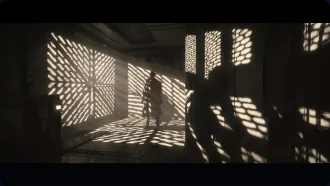
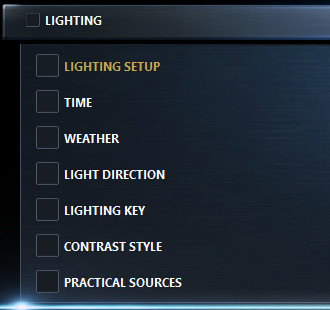
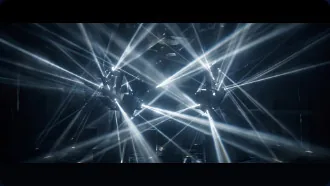
Direct light direction, weather, contrast, and practicals. Or pick a full lighting preset.
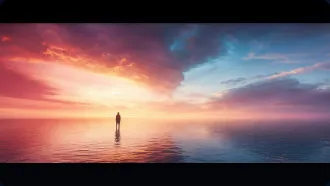
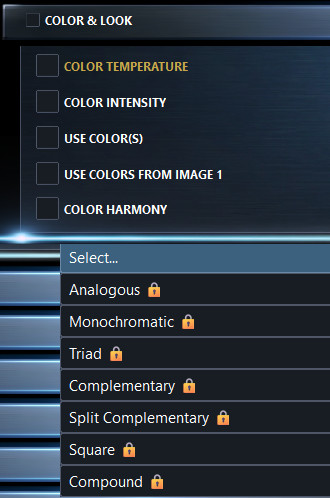
Tune temperature, saturation, and palette harmony. Pull color schemes from reference images.
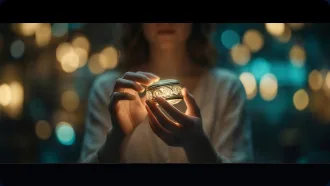
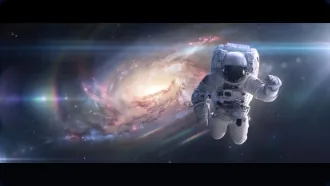
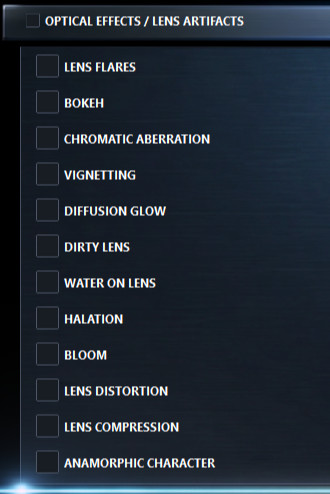
Add lens flares, halation, chromatic aberration, bokeh, vignetting, and diffusion glow.
Buy once, own it forever! No subscriptions, no cloud dependency, no third-party control. Everything is stored on your own computer: your prompts, references, generated images and workflows stay 100% private and off anyone else’s servers.
You never leave what you’re doing. On any website or in any app, type :: in the text box and Prompt Editor Pro jumps to the front. Build a prompt or pick a saved one, press SEND, and it lands right back in that same box, with its images. No copy-paste, no window juggling.
Already working in the editor? Send the result straight to any website or app you choose, just as fast.
Every prompt block in the program is included. A block is a set of lists in film language: shot type, lens, light, color and so on. Pick an option and its text goes into the prompt. The Character Generator has 30+ parameters, from biometrics to wardrobe. With the Custom Block Builder you make your own blocks, with your own lists, prompt text and images.
Save a character, environment or action once, then load it into any shot from this block. The same person stays the same across a whole film, and you don’t set anything up twice.
Images and videos are part of the prompt. Drop or paste them in, or drop a URL. They are saved with the shot, numbered in the order the model sees them, and you can drag them straight into your AI tool.
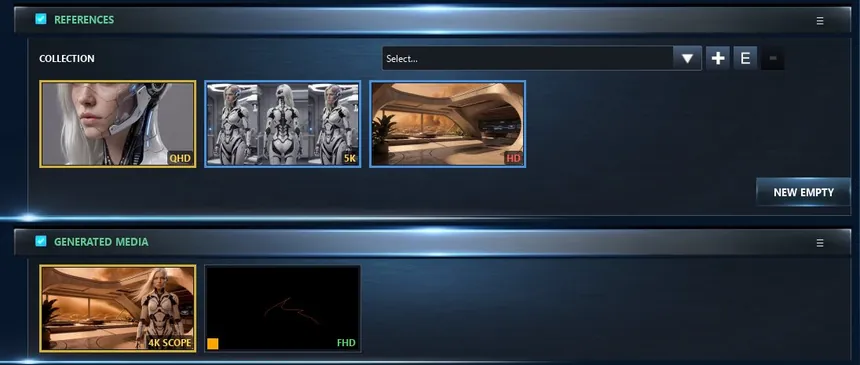
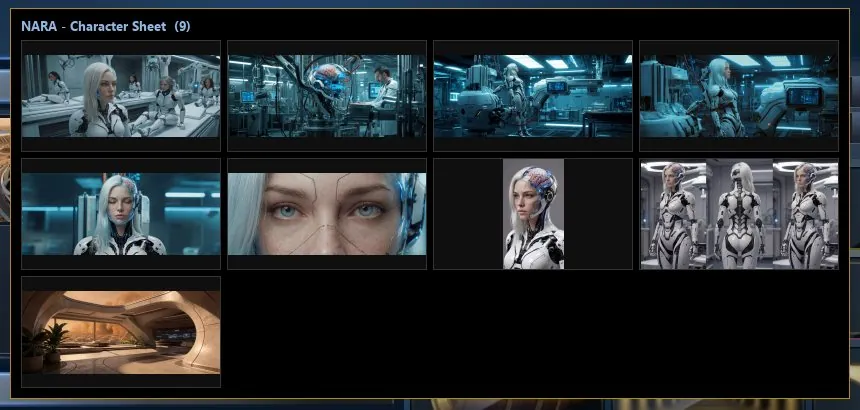
Save a set of reference images under a name, like a character sheet or a location. Pick it in any shot and the whole set is back in REFERENCES.
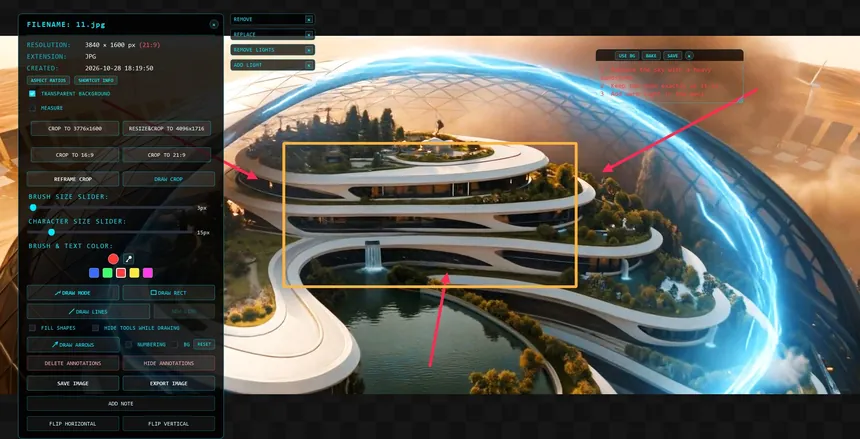
Open any image fullscreen. Crop or reframe it to an exact aspect ratio, draw numbered arrows, lines and boxes, add notes, pick colors from the image. Save it as a new image or copy it to the clipboard.
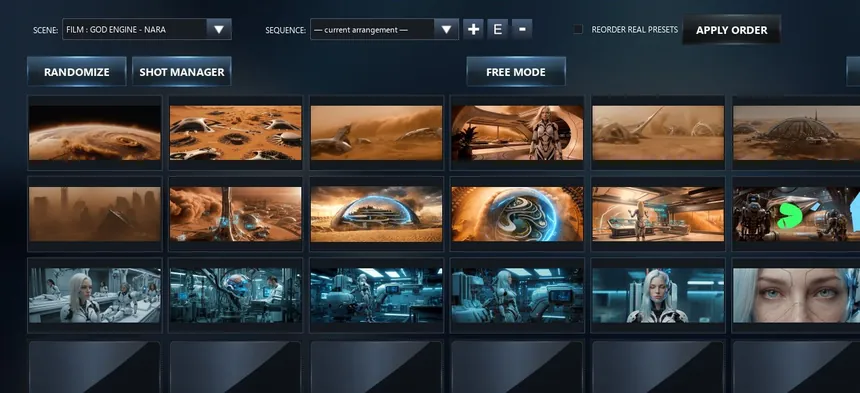
All the shots of a scene as one grid of images, in story order. Rearrange them, and play the sequence to see whether the story works.
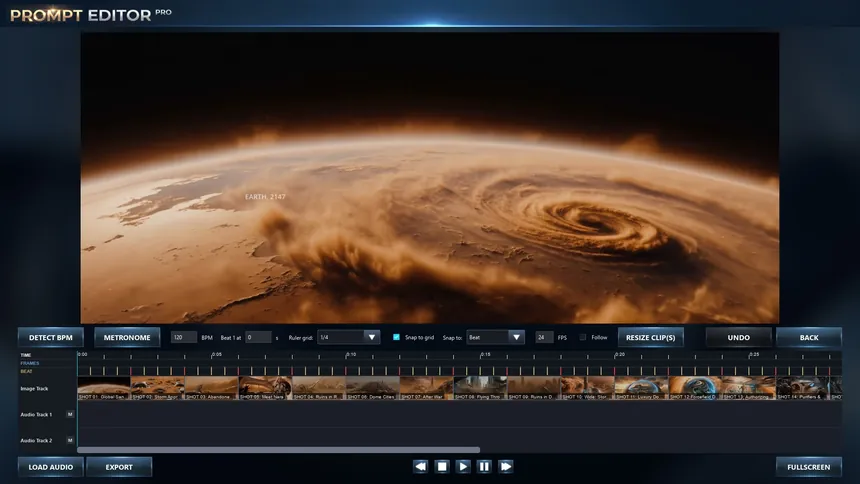
Lay your shots on a timeline, load a music track, detect its BPM and first beat, snap the cuts to the rhythm and export a video: an animatic of the film before a single clip is generated.
INSTANT DIGITAL DELIVERY · ALL SALES FINAL
By purchasing, you request immediate access to the download and license key and acknowledge that you lose your 14-day right of withdrawal. See our Terms.